Financial market analysis with R
Nikita Gusarov
Recently I’ve became obsessed with the idea of getting into stock exchange (for testing purposes and not for actual investment). One of the main reasons is the desire to start putting something aside for long-term perspective, but in short perspective this project gives me quite a lot of things to play with. Among them - the possibility to explore the predictive financial oriented models, neural networks (NN) testing for stock predictions and many more.
Obviously, before switching to data analysis and investing one should acquire data for analysis. Here our well known R language ecosystem can give us a hand: there exist quite a number of packages and API interfaces for stock data retrieval. In this post we are going to focus on one of the simplest solutions - the Nasdaq data platform.
R interfaces for financial data extraction
Among the most popular interfaces, allowing to query various API’s for stocks information we find:
quantmod, that provides a framework for quantitative financial modelling and trading (see here for project’s official website)Quandl, which brings the possibility to interact with Quandl API
The quandmod provides more features and data extraction back-ends.
It functions extremely well with a custom, modified version of the zoo times series format (bundled in xts package).
On their official website authors state, that quandmod is`:
A rapid prototyping environment, where
quanttraders can quickly and cleanly explore and build trading models.
In other words, this is a full featured package offering a dedicated environment for financial analysis needs. However, I’ve found the dataset import features rather broken at the moment on the official CRAN version of the package. It does not work well enough from behind a proxy or a custom DNS server. The resolution of the “yahoo” domains fails, while “google” version is completely non-existent (because Google stopped to provide stocks information on a dedicated channel).
The Quandl has absolutely different ideology.
It provides uniquely the possibility to query the Quandt API, which extremely facilitates the dataset construction.
Consequently, for simple data import it may be better to stick with the Quandl solution.
Finally, there exists as well the tidyquant, bringing the tidyverse compatibility for both quantmod and Quandl packages. This may be extremely useful if you are already familiar with thetidyverse` ideology.
Starting with Quandl
Evidently, before proceeding we should load the Quandl library:
# Load library
library(Quandl)
library(magrittr)
To make out the most out of the integration with the Quandt API it’s advised to create a free account, which will provide you with an API key. This API key gives unlimited access to Quandt databases, while the queries without API key are restricted to only 50 per day.
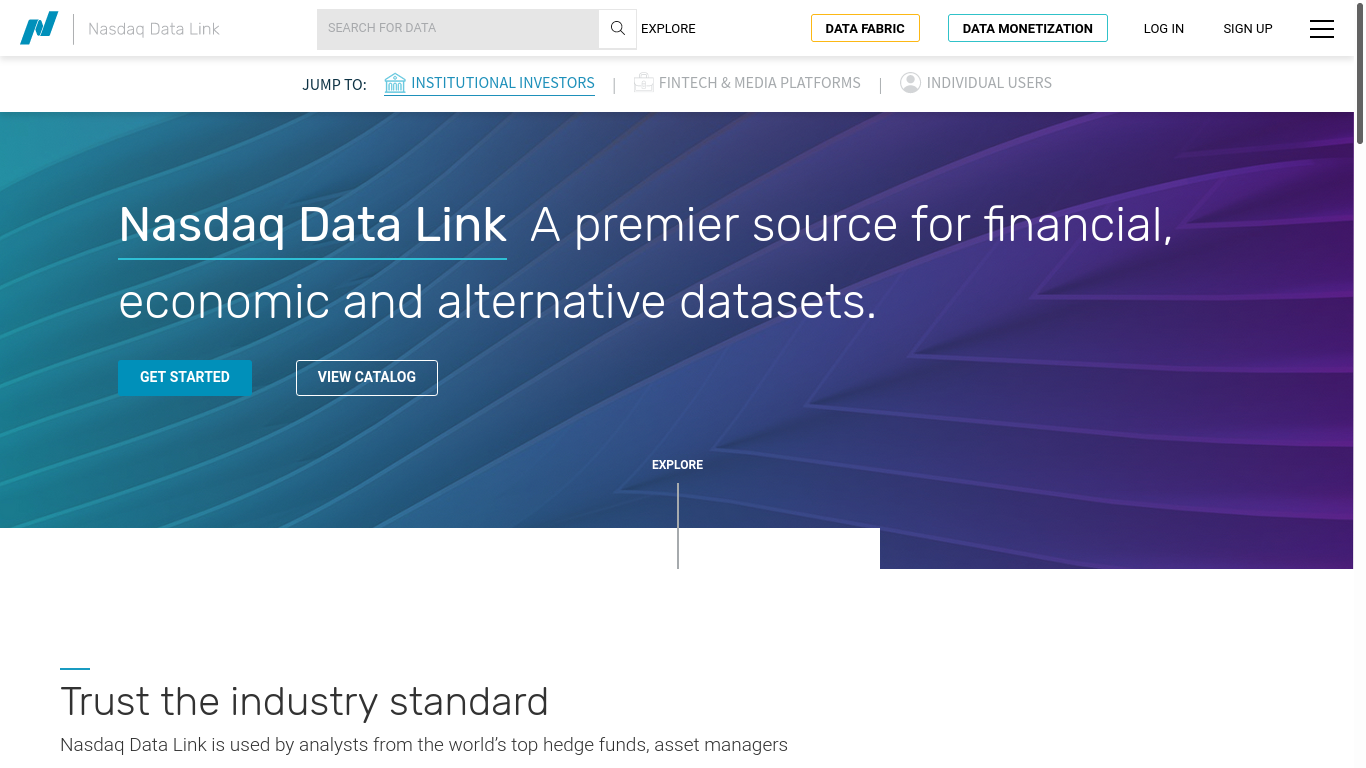
Quandt registration page
# Register key within R
api_key = "SoMeTesTKeY123987456"

# Pass the key to Quandl
Quandl.api_key(api_key)
From this point onwards, the interactions with Quandt API are rather straightforward.
The function Quandl() is a wrapper for the common API queries and is mostly sufficient for all the desired features.
For example, to get OIL history from NSE database it suffices to run:
# Extract data
oil = Quandl("NSE/OIL", type = "zoo")
What produces us a zoo time series data frame:
# Present results
oil[, 1:3] %>%
    as.data.frame() %>%
    head() %>%
knitr::kable("html")| Open | High | Low | |
|---|---|---|---|
| 2009-09-30 | 1096.0 | 1156.7 | 1090.0 |
| 2009-10-01 | 1102.0 | 1173.7 | 1102.0 |
| 2009-10-05 | 1152.0 | 1165.9 | 1136.6 |
| 2009-10-06 | 1149.8 | 1157.2 | 1132.1 |
| 2009-10-07 | 1153.8 | 1160.7 | 1140.0 |
| 2009-10-08 | 1145.0 | 1179.8 | 1142.0 |
The command will actually perform the following query:
GET https://data.nasdaq.com/api/v3/datasets/{database_code}/{dataset_code}/data.{return_format}Where database_code = "NSE" and dataset_code = "OIL", returning the results in zoo format.
It’s equally possible to provide the API key information in order to get unlimited queries.
The other output formats are ts, raw (which returns data.frame), xts and timeSeries.
It’s possible to run more complex queries as well.
For more information one may want to read the Quandt API documentation.
Once you become familiar with the queries, it becomes quite easy to perform all the necessary actions even without the Quandl wrapper.
For example, to load the above dataset in plain .csv format it without any auxiliary functions one can run:
# Parameters
database_code = "NSE"; dataset_code = "OIL"
format = "csv"
# Querry
download.file(
paste0(
"https://data.nasdaq.com/api/v3/datasets/",
database_code, "/", dataset_code,
"/data.", format,
"?api_key=", api_key
),
destfile = "test.csv",
method = "wget"
)Then the can read the resulting file as we would have done with simple .csv.
Or we may load read such .csv even without saving it into separate file:
# Querry
oil_csv =
    paste0(
        "https://data.nasdaq.com/api/v3/datasets/",
        database_code, "/", dataset_code,
        "/data.", format,
        "?api_key=", api_key
    ) %>%
    read.csv()
The resulting data.frame object is:
# Present results
oil_csv[, 1:4] %>%
    head() %>%
knitr::kable()| Date | Open | High | Low |
|---|---|---|---|
| 2019-01-04 | 172.05 | 174.95 | 172.05 |
| 2019-01-03 | 172.80 | 175.70 | 171.50 |
| 2019-01-02 | 175.80 | 176.20 | 171.00 |
| 2019-01-01 | 175.00 | 176.40 | 174.15 |
| 2018-12-31 | 178.10 | 179.00 | 174.35 |
| 2018-12-28 | 172.45 | 178.45 | 171.30 |
However, there is little sense in reinventing the wheel, when we already have Quandl at our disposal.
The more advanced features made available through complex API calls turn to be extremely simple with through Quandl interface.
For example, a complex query which should retrieve monthly % changes in Facebook’s closing price for the year 2016:
curl "https://data.nasdaq.com/api/v3/datasets/WIKI/FB.csv?column_index=4&start_date=2014-01-01&end_date=2014-12-31&collapse=monthly&transform=rdiff&api_key=YOURAPIKEYMay be rewritten using Quandl as simple as:
# Querry
fb_mdp_2016 = Quandl(
    "WIKI/FB",
    start_date = "2016-01-01",
    end_date = "2016-12-31",
    collapse = "monthly",
    transform = "rdiff",
    column_index = 11
)

# Results presentation
fb_mdp_2016 %>%
    as.data.frame() %>%
knitr::kable()| Date | Adj. Close |
|---|---|
| 2016-12-31 | -0.0284580 |
| 2016-11-30 | -0.0959615 |
| 2016-10-31 | 0.0212053 |
| 2016-09-30 | 0.0170473 |
| 2016-08-31 | 0.0175892 |
| 2016-07-31 | 0.0845292 |
| 2016-06-30 | -0.0381281 |
| 2016-05-31 | 0.0104610 |
| 2016-04-30 | 0.0304996 |
| 2016-03-31 | 0.0671530 |
| 2016-02-29 | -0.0471437 |
The ease of use may be extended even further.
Even though Quandl() can operate over vectors, the resulting data.frame inherits inefficient column names representing a sequence of {database_code}/{dataset_code} {value_name}.
As you can see, this format requires some additional transformation steps after to become tidy.
We can equally use the tidyquant for the same purpose, which output directly a tidy data-frame and can take even data.frames as inputs.
# Load tidyquant
library(tidyquant)

# Stocks
stocks = c("WIKI/FB", "WIKI/AAPL")

# Querry
db = stocks %>%
    tq_get(
        get = "quandl",
        start_date = "2016-01-01",
        end_date = "2016-12-31",
        collapse = "quarterly",
        transform = "rdiff",
        column_index = 11
    )

# Results presentation
knitr::kable(db)| symbol | date | adj.close |
|---|---|---|
| WIKI/FB | 2016-06-30 | 0.0015776 |
| WIKI/FB | 2016-09-30 | 0.1224186 |
| WIKI/FB | 2016-12-31 | -0.1030638 |
| WIKI/AAPL | 2016-06-30 | -0.1174931 |
| WIKI/AAPL | 2016-09-30 | 0.1888981 |
| WIKI/AAPL | 2016-12-31 | 0.0298194 |
Such data can be easily filtered, transformed and explored afterwards.
Searching for data
The Quandl package offers some particularly interesting functionality for querying the databases index.
It may be used through a Quandl.search() command or, better, through tidyquant’s quandl_search() wrapper.
For example, we can search for Apple:
# Search for Apple
"Apple" %>%
    quandl_search(
        per_page = 5,
        silent = TRUE
    ) %>%
    dplyr::select(
        c(dataset_code, database_code, name)
    ) %>%
knitr::kable()| dataset_code | database_code | name |
|---|---|---|
| APPL | OTCB | Appell Petroleum Corp (APPL) Adjusted Stock Prices |
| 0482_HYINCOME | RB1 | Apple — HYIncome |
| 0482_VALUES | RB1 | Apple — Values |
| 0482_HYBALANCE | RB1 | Apple — HYBalance |
| 0482_FORECAST | RB1 | Apple — Forecast |
Unfortunately, the default Quandl databases do not contain information about any of the ETF’s.
The only easily accessible indexes are:
# Indexes
tq_index_options()
## [1] "DOW" "DOWGLOBAL" "SP400" "SP500" "SP600"The number of stock exchanges is equally limited and may not be suitable for some users (especially if we speak about EU):
# Exchanges
tq_exchange_options()
## [1] "AMEX" "NASDAQ" "NYSE"As you can see, the toolset offers access to USA based exchanges, but no other free options are offered.
The tq_get() function unites the capabilities of both Quandl and quandmod packages.
However, the documentation is outdated and some sources are unavailable.
Among the listed on the package’s vignettes we find:
- Yahoo Finance - Daily stock data
- FRED - Economic data (US specific mostly)
- Quandl - Economic, Energy, & Financial Data API
- Tiingo - Financial API with sub-daily stock data and crypto-currency
- Alpha Vantage - Financial API with sub-daily, ForEx, and crypto-currency data
- Bloomberg - Financial API (paid account is required)
Unfortunately, some of the API’s do not perform as intended. One example is the Yahoo Finance, which seems to be extremely difficult to reach from behind a custom DNS with filtered adblocking. However, lowering your defences will allow you to get your hands on some of the ETF’s data (at least the selection available on Yahoo).
Closing remarks
One of the main disadvantages of both quandmod and Quandl (as well as the tidyquant) is the low availability of data.
Most of the historic datasets, interesting for EU residents, are simply unavailable for free in the internet via an API.
While working with stocks only the available sources may be good enough, inclusion of ETF’s into portfolio makes things more difficult.
Consequently, there is may be a need to search for alternative tools.
The first and most plainly obvious solution is to run the tidyquant wit custom DNS resolver disabled.
This means as well that you’ll have to limit your choices to the most popular listings, which appear on Yahoo.
For personal side-project this may be the optimal choice.
The second option is to go directly scrapping with native R toolset over the web for data. Among the drawbacks of this solution we have an incredible time-waste on creation of your own wheel to hunt for the data. Moreover, there is constant risk that your wheel will break because of the third party decisions (ex: changes in the source website data distribution policy, updates, etc). This solution is equally inefficient because most websites provide a limited amount of historical data (ex: 3 or 5 years), which potentially limits the amount of learning to be done over it.
Another alternative includes paying for access to private databases, Unfortunately, the prices are extremely discouraging when you aim at small personal project. The fees vary between 30-100$$ for entry level options and, as always, the upper limit is non-existent. Obviously, this is absolutely unreasonable when you want to run some tests with just a 100€.
Finally, there exist some alternative solutions (premade scrappers and other API interfaces) for other languages
(ex: python, which is extremely popular because of its more permissive licence).
This may be an interesting path to follow, which we’ll probably do in near future.