Pinephone daily driving
Nikita Gusarov
I’ve decided to break my streak of posts about R programming language, to write something more personal. This autumn, I’ve got a Pinephone for my birthday to tinker with and which had some software issues present at that time. About the same time I’ve deGoogled another old home to use with Lineage OS. So it was only in December that I managed to switch over to using my Pinephone for some time.
In this post I’m going to describe some of my impressions after daily driving the device for about 1 month. By the end of December I had to return back to my Android device because of the dual-SIM support, to keep both by SIM cards working while in Russia.
Pinephone
The Pinephone is an Open Source smartphone designed by Pine64 (Pine Store Limited), which is known for it’s ARM based single board computers (a sort of alternative for the Rasberry Pi). Before proceeding with the phone description, it’ll be nice to start with some additional info about the Pine64.
Pine64 produces not only phones and computing modules, but has some other interesting projects, among which:
- PineNote - an Open Source Linux based e-paper device
- PineBook (Pro) - extremely cheap ARM laptop
- PineTime - a Open Source smartwatch, about which I’ll probably write another post later
- PineTab - an ARM tablet running Linux instead of Android
- PineCube - Open Source IP camera, without any proprietary blobs or trackers
- And many more …
As we may discover in Internet, the Pine64 is:
a Hong Kong-based organization which designs, manufactures and sells single-board computers, notebook computers and smartphones. … (it) is a legal for-profit entity, it operates much like a non-profit organization in the sense that it does not draw profits from most device sales, operates with volunteers, and reinvests income from sales back into the company.
Among their projects started at around 2019 was the creation of a smartphone, which would allow the user to have full control over the device. Meaning the phone should run mainline Linux kernel (instead of an Android fork supported by Google) and be easily repairable and upgradable. By design, the phone was equipped with 6 security switches, allowing to disable network, WiFi, cameras, etc. on a hardware level.
The first publicly available versions of the device were shipped in January 2020. Now there is only one official version of PinePhone on the market which comes with a Manjaro KDE Plasma Mobile preinstalled. Although it’s still possible to find some leftovers of the previous Community Edition versions, which came with different OS’es (Mobian, Manjaro, PostmarketOS and UBports Ubuntu Touch).
Speaking about the phone’s hardware, it seems rather outdated at the moment:
- Allwinner A64 CPU with 4 Cortex-A53 cores (1.152 GHz)
- Mali-400 MP2 GPU
- 2GB/3GB LPDDR3 RAM (552-624 MHz)
- Quectel EG25-G modem
- Built-in 802.11 b/g/n WiFi with Bluetooth: 4.0
- 16GB/32GB eMMC
- Bootable microSD slot
- USB-C port with USB 2.0 and DP support
- 3000mAh battery (supporting 15W fast charging, Samsung J7 format)
- 5.95″ LCD 1440×720, 18:9 aspect ratio (hardened glass)
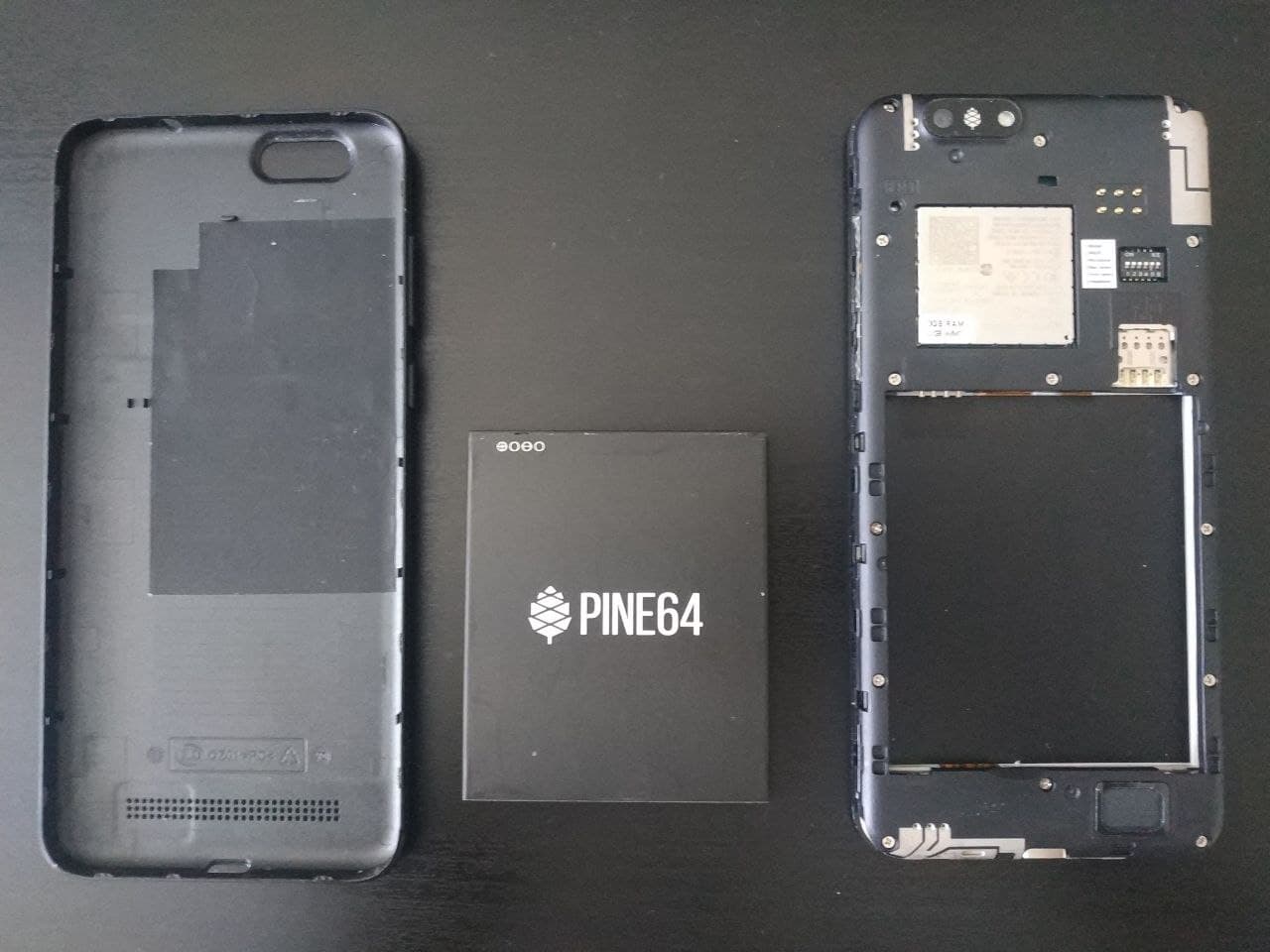
All the listed above specifications are here mostly to give you the idea about the potential weaknesses of the hardware. However, the weak hardware is compensated with the low price (less than 200$ in maxed out configuration), inaccessible to the competitors:
- Librem 5 ~ 1.200$ (before autumn 2021 the price was around 800$)
- PinePhone Pro - 400$
Most of other devices available on the market lack support of the mainline Linux kernel and offer mostly support for UBports Ubuntu Touch (which is transitioned from Android with Halium) or Android (ex: Ftex Pro1X). Consequently, PinePhone is an uncontested winner in terms of features per $.
However, even as the device beats all other alternatives in the price range in terms of potential and possibilities, the software is not yet completely ready for casual user. The old Android devices of 2014-2015 largely outperform the Linux Phone, because of lack of optimisation. Nowadays, community attempts to reimplement most of the features that are available on other phones, but the progress is slow and the device is not as performant as one might desire.
The software immaturity is even further affected by the discrepancy in the Open Source community. There exist a number of projects which attempt to achieve the same goal, but the lack stability in any aspect. As you have seen above, there existed a number of Commmunity Edition devices backed by different actors and shipped with corresponding OS. The major OS available at this point are:
- Mobian, based on Debian distribution
- DanctNIX (Arch Linux ARM), based on Arch Linux
- Manjaro version for mobile ARM devices
- PostmarketOS , which is an extension of Alpine Linux oriented for mobile devices
- UBports Ubuntu Touch, previously supported by Canonical
- And many other … (for full list visit the Pine64 website)
All of the distributions have access to three mobile oriented desktop environments (which does not exclude the multitude of other DE available), each of them having a particular philosophy behind it:
- Phosh, backed up by the creators of Librem 5 (for documentation look here)
- KDE Plasma Mobile, the mobile oriented project of KDE
- SXMO
Here I’ll present you the first two of them, alongside with my thoughts about them. Both DE’s were used on DanctNIX Arch Linux, because it was among the few OS offering the Full Disk Encryption (FDE) option (another was Mobian). The applications will be reviewed in a separate post some other time.
Phosh experience
Phosh DE is mainly supported by Purism and is presented as default DE for Librem 5 phone. The entire DE is an extension of GNOME DE, it is based-on the GTK widget toolkit, and descends as a mobile-specific fork.
At the time of when I ran my tests, it was the most smoothly working DE, with inbuilt automatic configuration for modem, which lacked in KDE. Another advantage was the perfectly operational support for DP out over USB-C (although I did not manage to make it working before December). For me this last point was one of the main reasons to use a PinePhone: having a portable fully functional PC in a smartphone phone factor is extremely fascinating. This was my primary DE for daily driving my device.
As you can see, Phosh does not have a separate Workspace - the screen directly greets you with application menu:
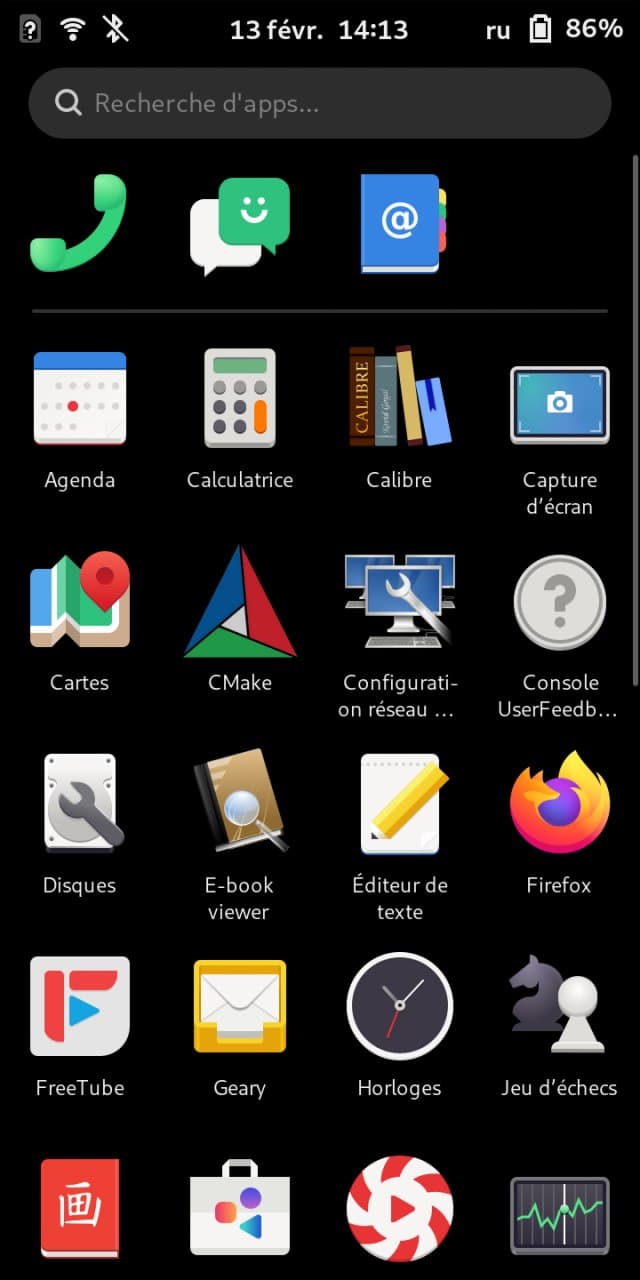
For user this means that there is no much space left for customisation, at the advantage of faster access to your applications. At the time I’ve only started to discover the mobile oriented Linux and such interface was rather inconvenient, but after some time it became natural to use it. Among the only disadvantages was the impossibility to run an application on background, without it coming on top of the application tray.
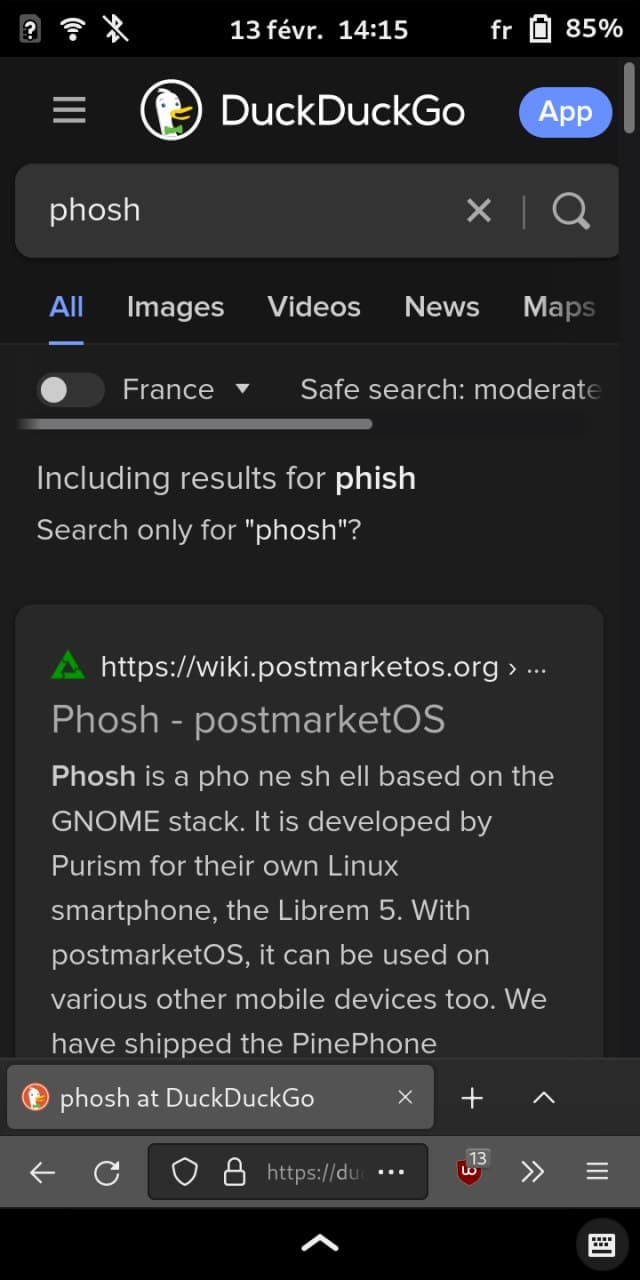
Most of applications are GTK based and it’s technically possible to run any application supporting ARM architecture on PinePhone. However it may difficult to find applications that scale correctly on a small phone screen. The Firefox is an example of perfectly adapted application, which by now has two modes and adapts accordingly when running in desktop or tablet mode:
Some of the applications, even though adapted for small screens, lack some features making it difficult to use them with one hand. The Maps application is an example of well adapted app:
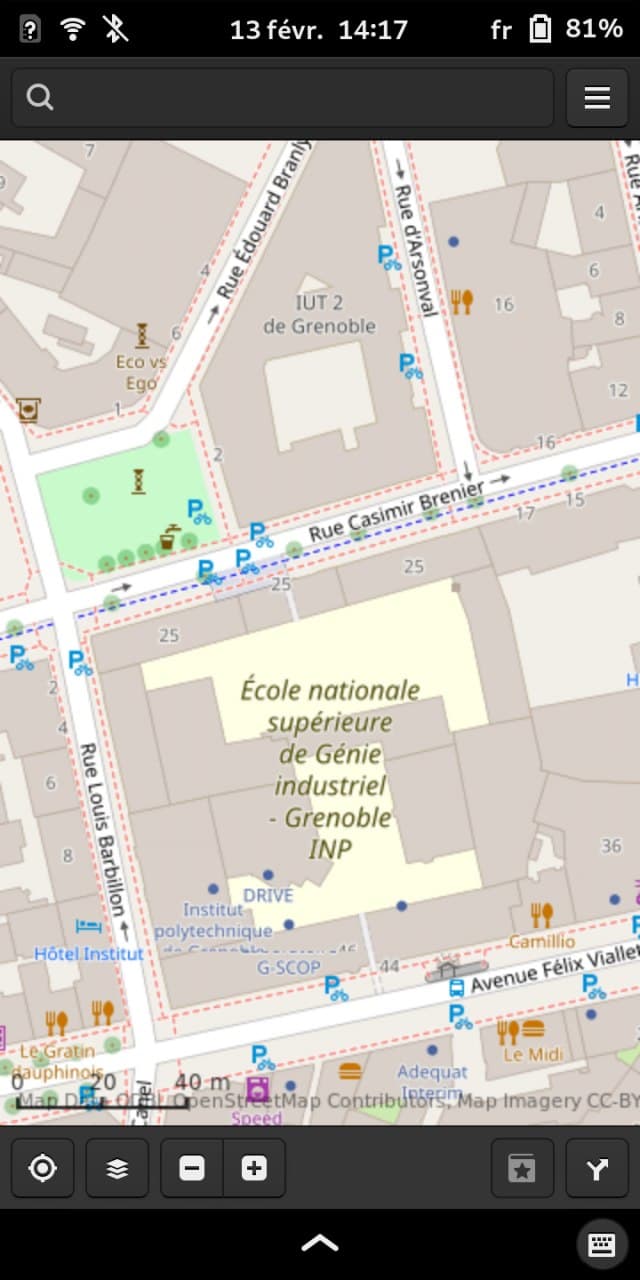
The control bar here is placed at the bottom of the screen, where it’s easily accessible with one hand.
KDE Plasma Mobile experience
When I first booted my device it came with KDE Plasma DE preinstalled. However, at first glance (this happened during autumn) the DE was absolutely inappropriate for daily usage. For example, DP over USB-C functioned, but it broke the inbuilt display while active. The UI was non responsive and the entire DE crashed sometimes to the lock-screen. Finally, what prevented me from even using the device at that time was the absence of LTE support: phone calls worked quite OK, but the Internet connection was non-existent.
Now, as I write this post some things changed. I switched over to the DanctNIX Arch version with KDE Plasma and it runs much more smoothly than the previously installed Manjaro version. However, some of the bugs still remain. Even though the UI became much more responsive due to the latest updates it still breaks sometimes (ex: I have to reset the wallpaper each time I restart the device). The DP output over USB-C does not work, or rather works but definitely not as intended and is broken for now.
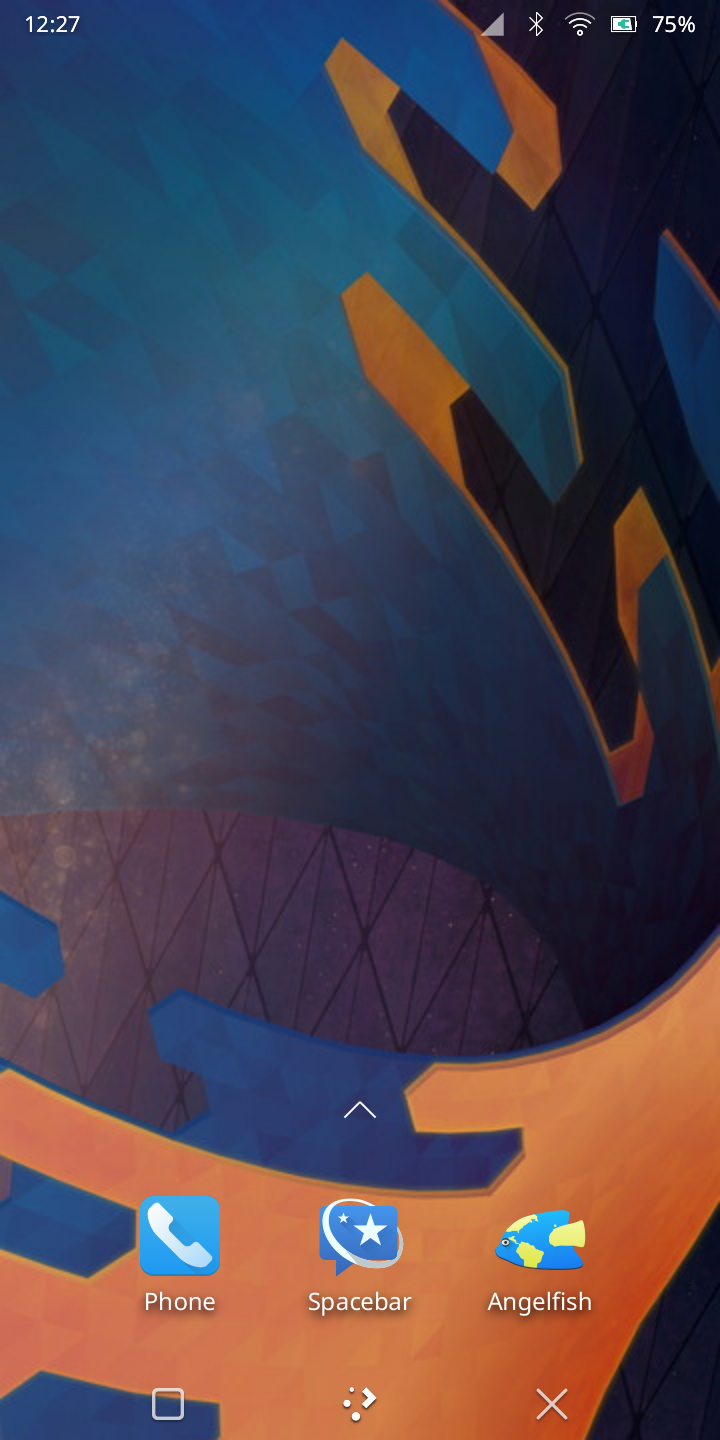
Here is a glance of the default screen, which look rather nice in comparison to the depersonalised Phosh version. It offers the possibility to add widgets to your home page, as well as the icons for your most used applications. In overall, it’s the default experience similar to most other mobile devices.
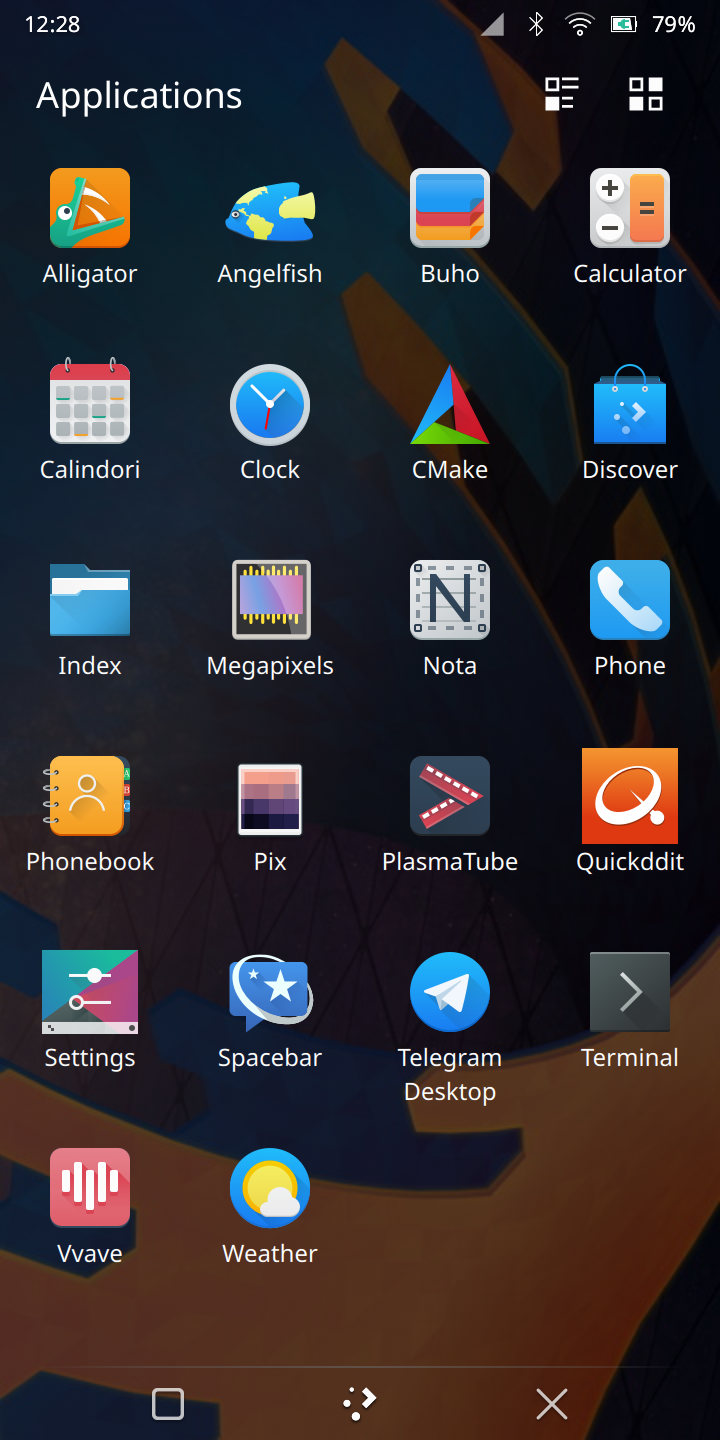
The application tray may be called separately with a dedicated button:
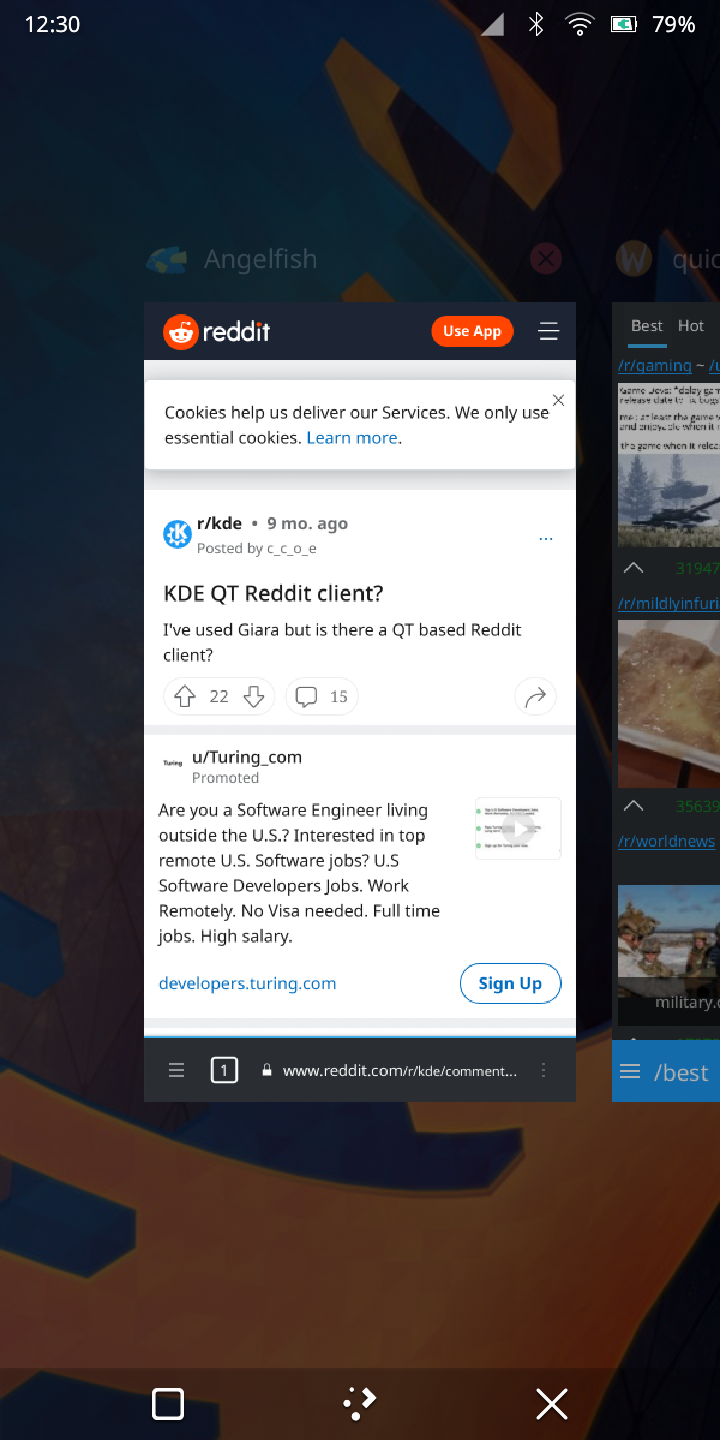
Among the main advantages in comparison with Phosh goes the possibility to run applications on background. In Phosh the running application is maximised by default, hiding the application tray. Here, the running applications may be hidden and accessed later through the tasks view:
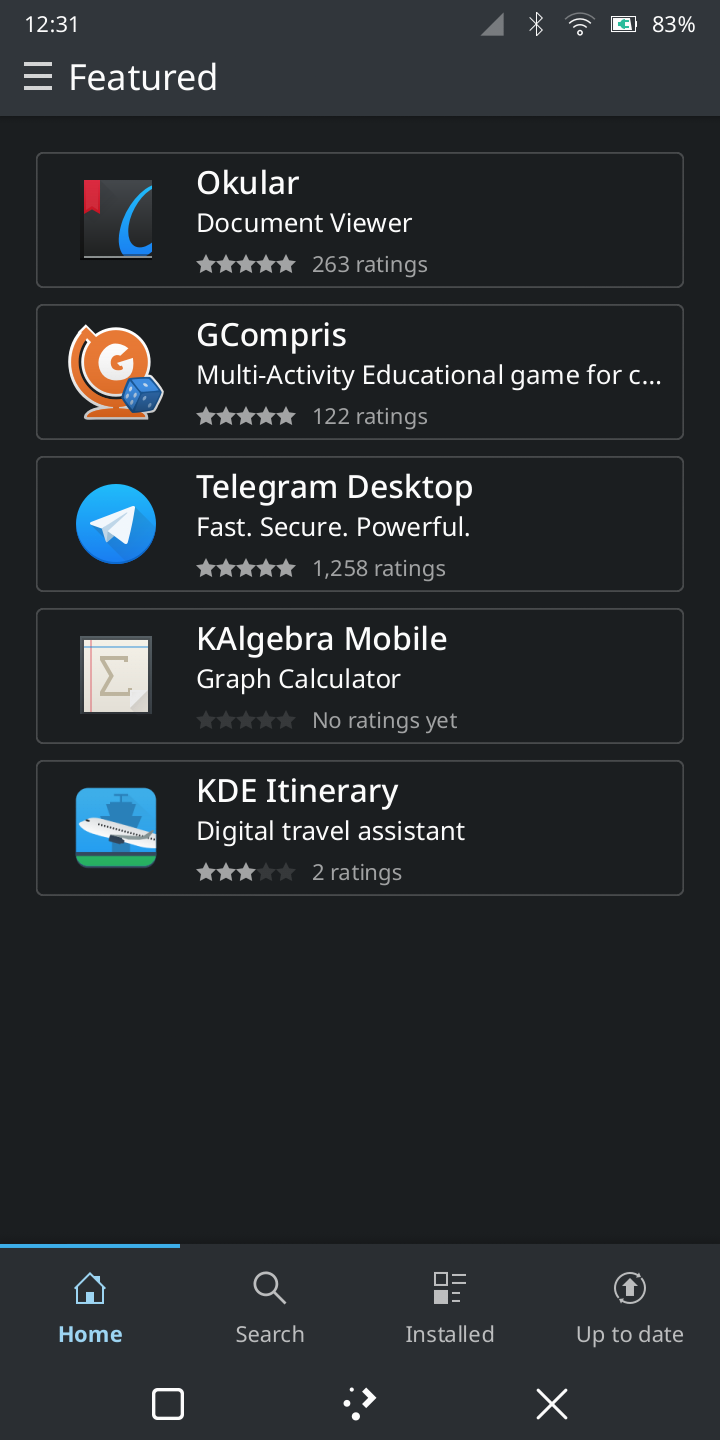
The default application manager in KDE (Discover) is more advanced as well. The ideology of KDE brings much more customisation and different tools and extensions with the default application manager:
Finally, a little screenshot of the terminal window with the on-screen keyboard. Most of applications designed specifically for Plasma Mobile are written using Kirigami framework. The Qt applications integrate nicely with the system style.
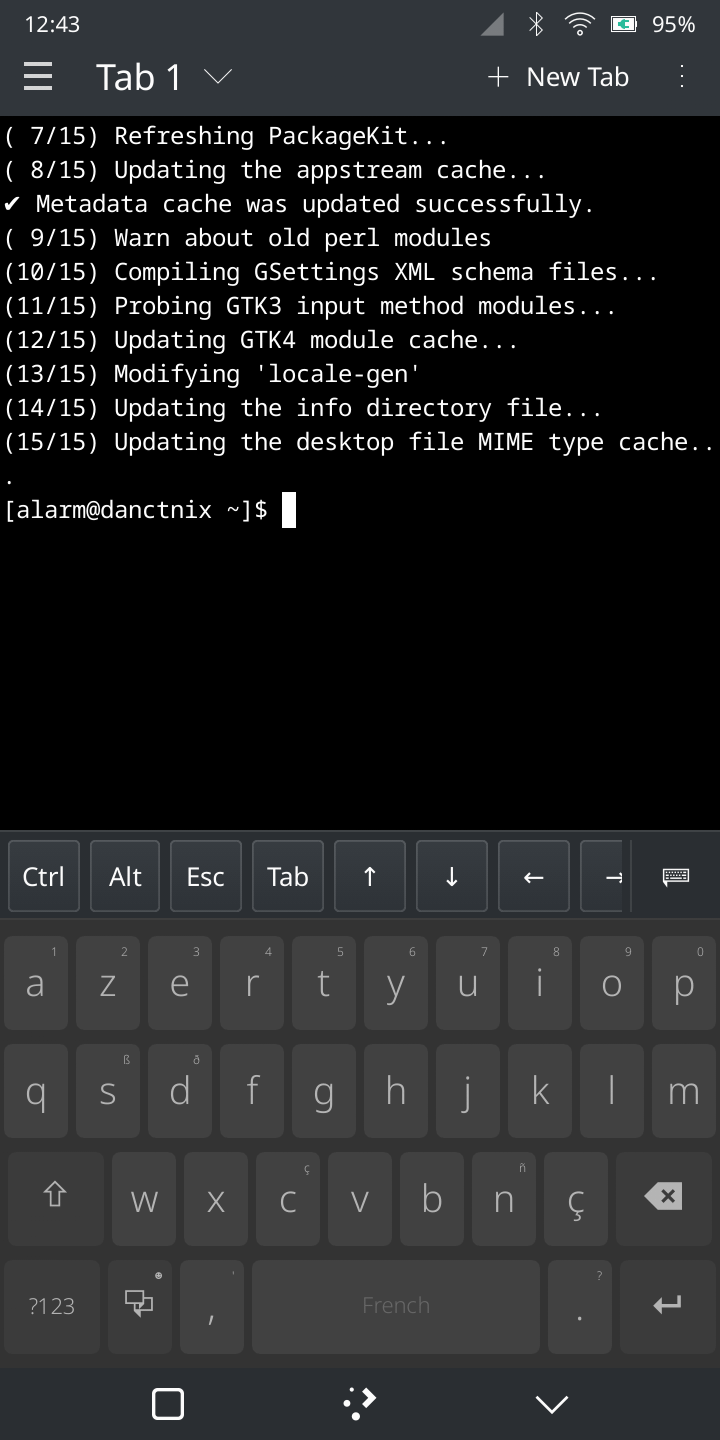
The layouts of default keyboard differ between Phosh and KDE, but I had no particular preference for any of them.